Go to primary content Go to footer

Bed logistics with Columna Flow Search & Find

You have empty beds your emergency department can't see

When a patient is discharged, the bed should be back in use quickly. Instead it sits unusable for hours. Cleaning hasn't been requested, no one is sure of its status, and staff can't see which beds are genuinely free. Columna Flow Search & Find shows where every bed is and what state it's in, and raises the cleaning task automatically as soon as a bed is flagged for it, so beds return to use faster and fewer patients wait in your emergency department.

Digital facility management floor plan displayed on computer monitor showing building layout with color-coded rooms and equipment tracking
[DUMMY PIC] See where every bed is and its current status on a live floor plan: clean, needs cleaning, in cleaning, or needs maintenance

From waiting on word-of-mouth to seeing every bed

A discharge rarely turns into a ready bed on its own. Wards phone housekeeping to request a clean, then phone again to chase it. Porters walk the floors looking for a free bed that may already be taken. Admissions hold patients in the emergency department because no one can confirm which beds are ready. The delay is invisible on paper, but it shows up as crowded EDs, cancelled admissions, and staff spending the shift coordinating beds by phone.

Find the right bed and start the next task

  • Cursor Target Streamline Icon: https://streamlinehq.com
    Find an available bed without walking the floor

    See where every bed is and which ones are genuinely ready, from any screen. Admissions and flow coordinators can place the next patient against a live picture instead of phoning wards and waiting for someone to check.

  • Signal Wave Streamline Icon: https://streamlinehq.com
    Check any bed's status in seconds

    Scan a bed to see whether it's clean, needs cleaning, in cleaning or needs maintenance, along with its recent history. Instead of walking over to check, anyone on the team can confirm it in seconds.

  • Synchronize Arrows Triangle Streamline Icon: https://streamlinehq.com
    The cleaning task starts on its own

    When a bed is flagged as needing cleaning, the task is created and sent to housekeeping automatically. A bed flagged for maintenance raises the right task the same way, so the work starts without anyone making a call.

See where each bed is and what it needs

Beds move through a handful of familiar states: clean, needs cleaning, in cleaning, and needs maintenance. Search & Find tracks each bed's movements and these status changes as they happen in the systems it connects to, so your teams can see where a bed is now and which ones are held up waiting for cleaning or maintenance.

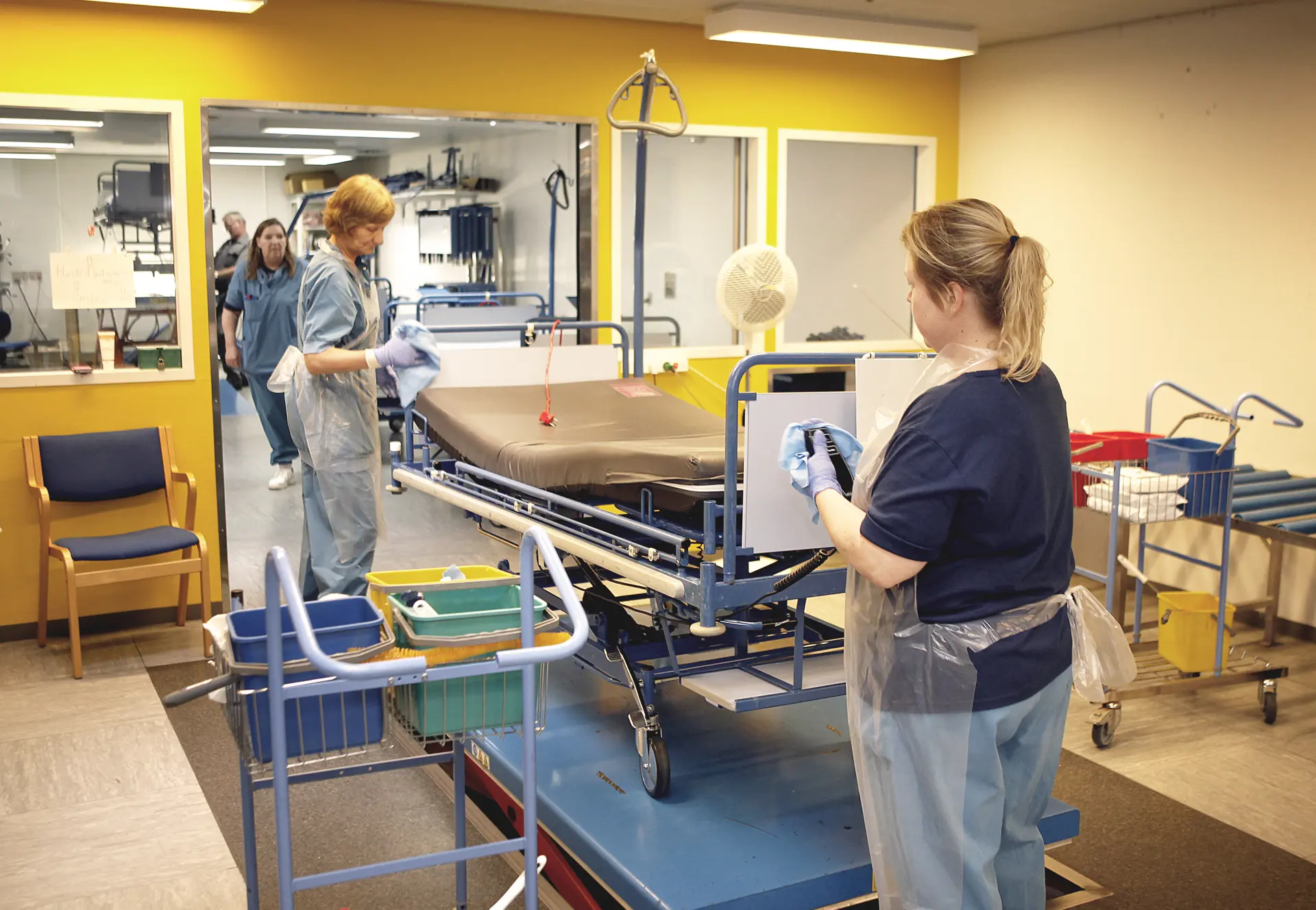
Each bed's journey from vacated to ready, with cleaning and washing status visible at a glance.

Works with your existing clinical and logistics systems

Search & Find connects to the clinical and logistics systems your hospital already runs, so bed location and status sit alongside the tools your teams use every day. Updates flow between systems, so wards, housekeeping and admissions work from the same live picture, with no duplicate data entry and no separate bed-tracking tool to maintain.

Learn more about Columna Flow IoT, interoperability and integrations →

Illustration of data tied together

See how faster bed turnaround works for your hospital

Bring a few of your own numbers - discharge delays, ED waits - and we'll walk through how hospitals are turning beds around faster with Search & Find.