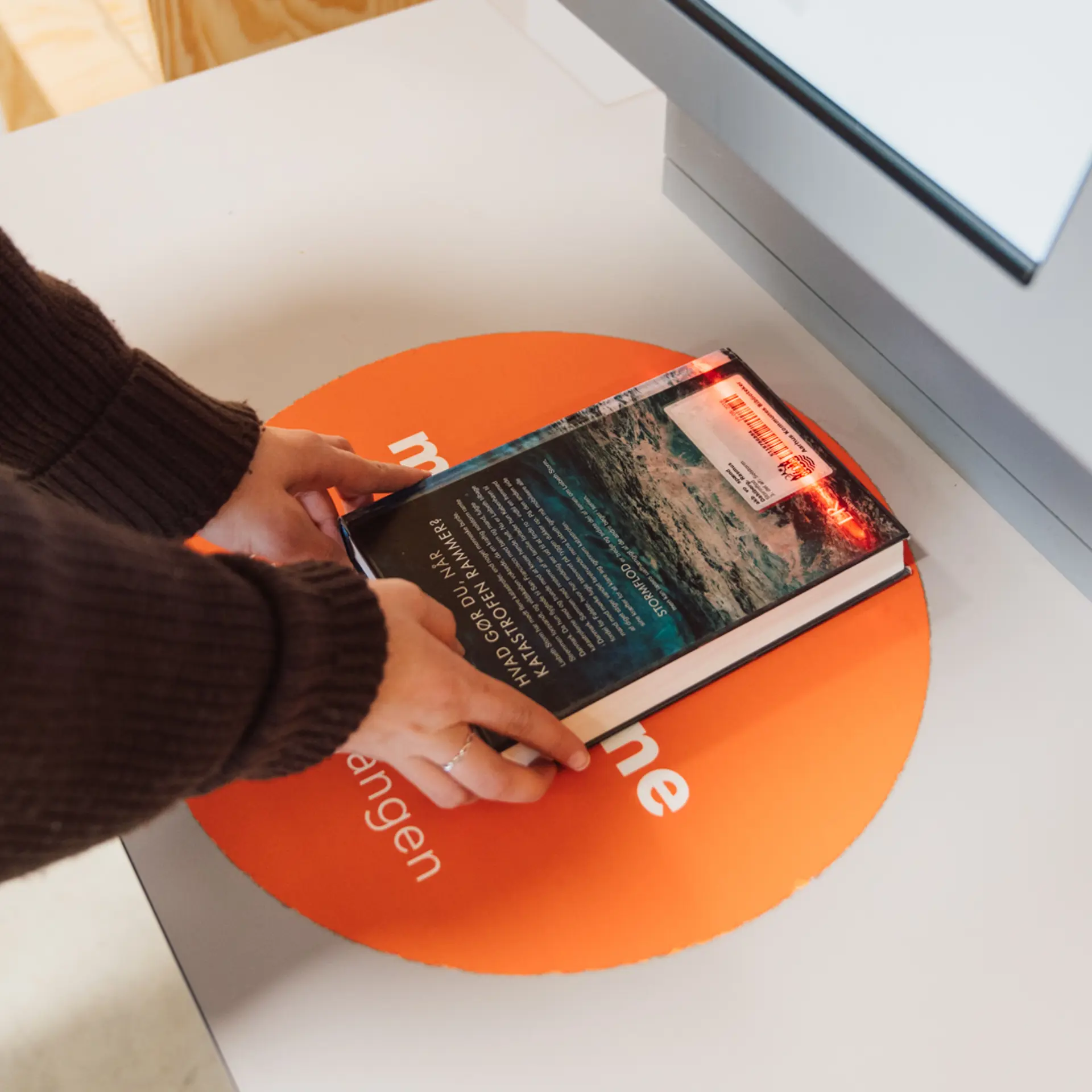
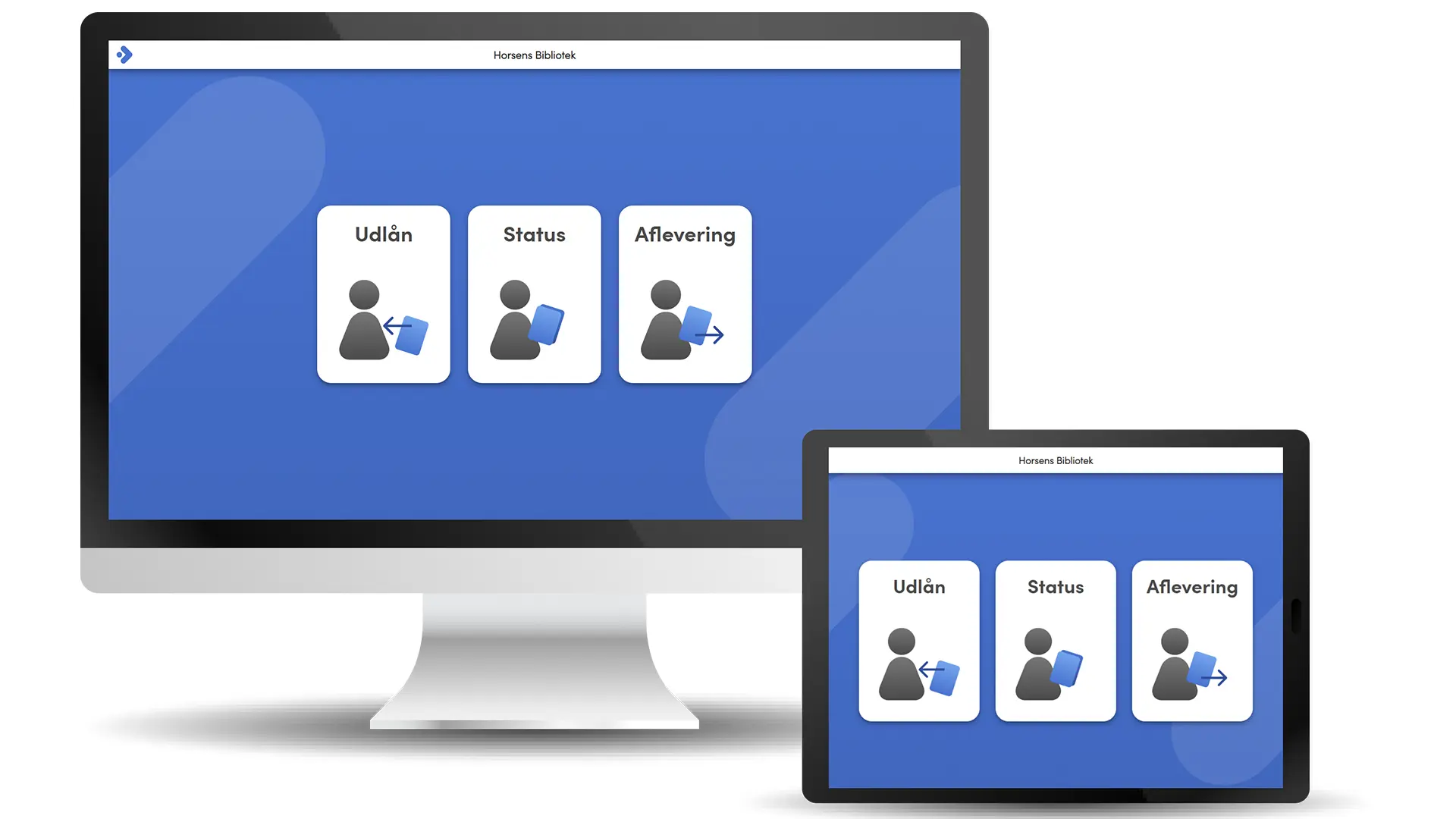
Cicero Slide is an add-on module to Cicero that brings self-service directly to library users. Where Cicero manages the daily operations behind the scenes, Cicero Slide gives users the freedom to handle loans, returns and status checks on their own.
Works across devices
Cicero Slide is web-based and works on tablets, laptops and smartphones. The interface is straightforward enough for any library user to navigate independently, including younger users in school libraries.
It works in libraries of any size and type, from large public branches to small school libraries, care facilities and temporary locations. No local installations.
Self-service simplified
For smaller or unstaffed libraries in particular, it gives users full access to self-service without a member of staff needing to be present for every transaction, freeing staff to focus on the people who need their help most.
Latest news
- As Sweden mandates staffed school libraries, Stockholm turns to Danish softwareThe new system, Cicero, will allow school librarians to spend less time on administrative tasks and more time inspiring and supporting students.Read more
 Finland's largest library consortia selects new IT SystemThe Helmet libraries in the Helsinki region will replace their current IT system with the Library Management System, Cicero, used by all public libraries in Denmark and leading libraries across Norway, Sweden and Germany.Read more
 Stockholm Public Library goes live with new Danish library solutionSweden’s largest library replaced its core system mid-operation: 1.5 million items and 12.7 million loan records were transferred in one fell swoop. The library now has a shared digital platform that automates working procedures while freeing up time for library personnel.Read more
 Bücherhallen Hamburg completes successful switch to new library systemCompleted according to plan, Hamburg’s 32 public libraries and two library buses made a smooth transition to the Danish library system Cicero, giving the libraries a significant technological upgrade.Read more
 Systematic re-wins valuable contract for Denmark’s library systemThe software company Systematic has just signed an important, three-digit DKK million contract with the Danish municipalities’ joint IT organisation KOMBIT to continue the development and operation of the IT system for all public and school libraries in Denmark until 2038.Read more
- Stockholm Public Library and Systematic pioneer the future of library servicesNew technology deployed at Stockholm libraries will empower staff through automated processes, enhanced workflows, and improved user accessibility.Read more
 Systematic wins important contract for new library system in SwedenThe Danish software company takes another big step into the European library market after winning a tender worth SEK 100 million for Stockholm Public Library.Read more
 Danish library system breaks new ground in GermanyDenmark’s Cicero system is set to modernise public libraries across Hamburg, marking Systematic’s first foothold in the German library marketRead more
