
Search & Find gets closer to the clinician with the latest Columna Flow release
Improved maps, smarter filtering, and role-based views help clinical staff find the right equipment faster.
Most real-time tracking systems were built for logistics teams and facility managers. The data is there — serial numbers, locations, maintenance status — but it sits in interfaces designed for administrators, not for a nurse who needs an infusion pump in the next five minutes.
Columna Flow 2026.2 changes that. The latest release in Search & Find brings clinical staff into the picture with visual, intuitive tools that answer the question that matters in the moment: where is the nearest available device, and how do I get there?
Clinical asset visibility
A text line reading "Ward B4, Room 105" tells you where something is. It doesn't help you get there, and it doesn't tell you whether the device is actually available.
Search & Find now delivers map-based, contextual answers tailored to what each role needs to see. A ward nurse sees nearby available equipment relevant to their department. A facilities manager sees maintenance status across the building. A logistics coordinator sees the full fleet.
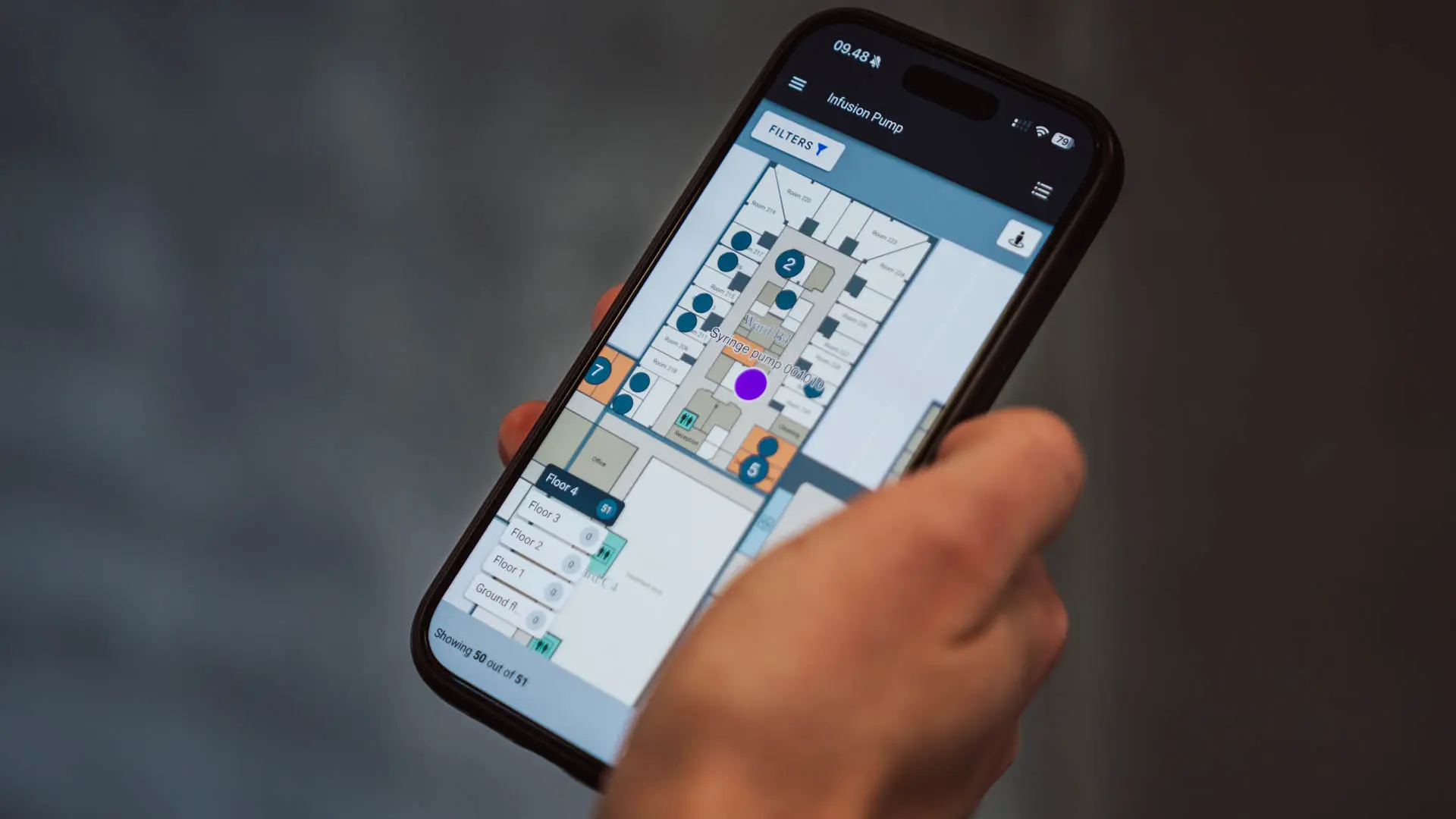
The principle is simple: show clinicians their equipment, not everything on the floor. Less noise, faster decisions, more time with patients.
Improved map visualisation
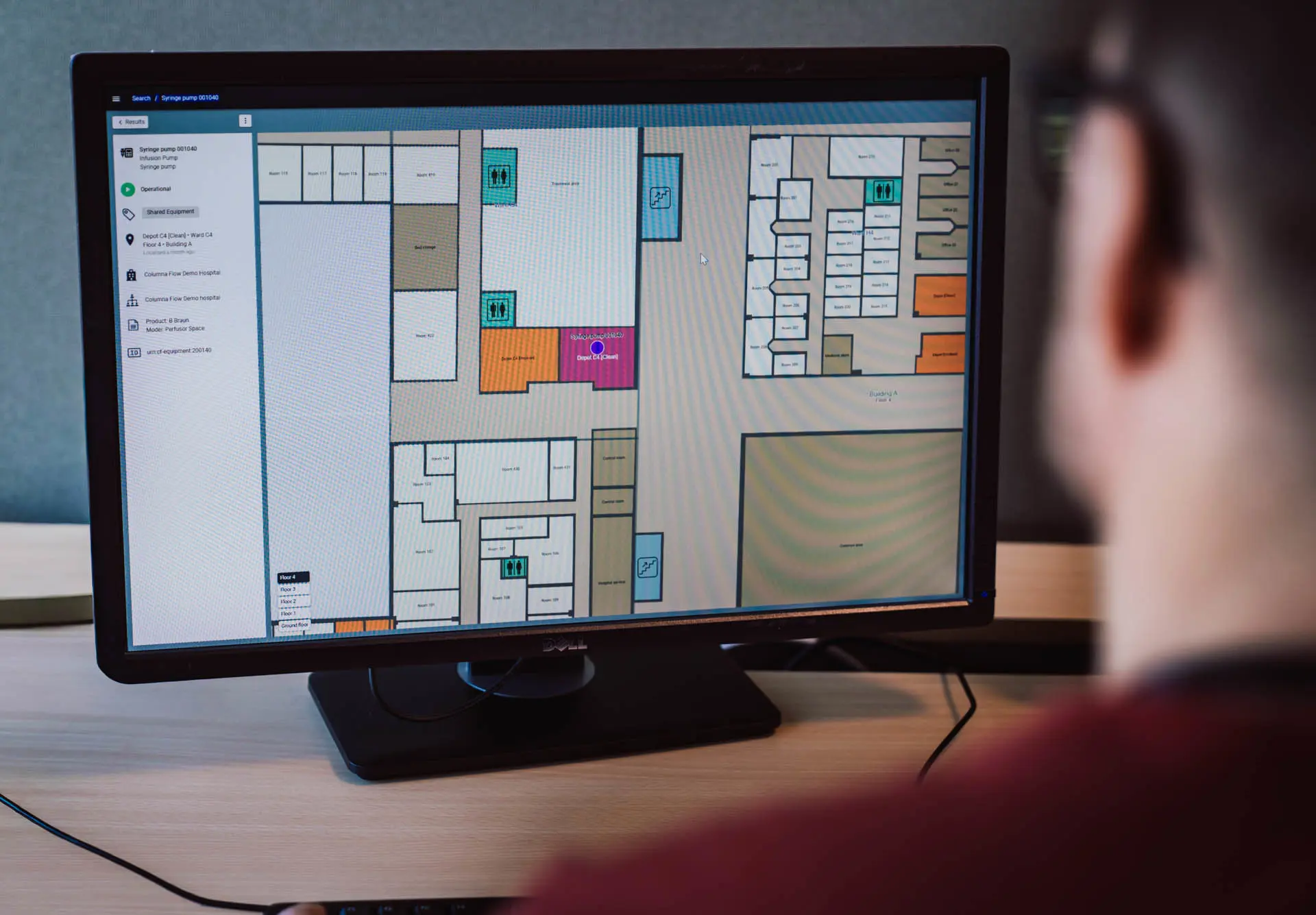
Updated colour-coded maps make equipment easier to spot across wards and floors. When you're scanning a busy hospital map for a specific device, visual clarity matters — colour differentiation cuts through the clutter and reduces the time between searching and finding.
Smarter category filtering
A redesigned category frontpage lets users filter by equipment type with fewer clicks. Instead of scrolling through a full inventory list, staff drill straight to the equipment type they need. For clinical teams who search for the same types of equipment repeatedly, this removes unnecessary steps from every search.
Tracking precision overlay
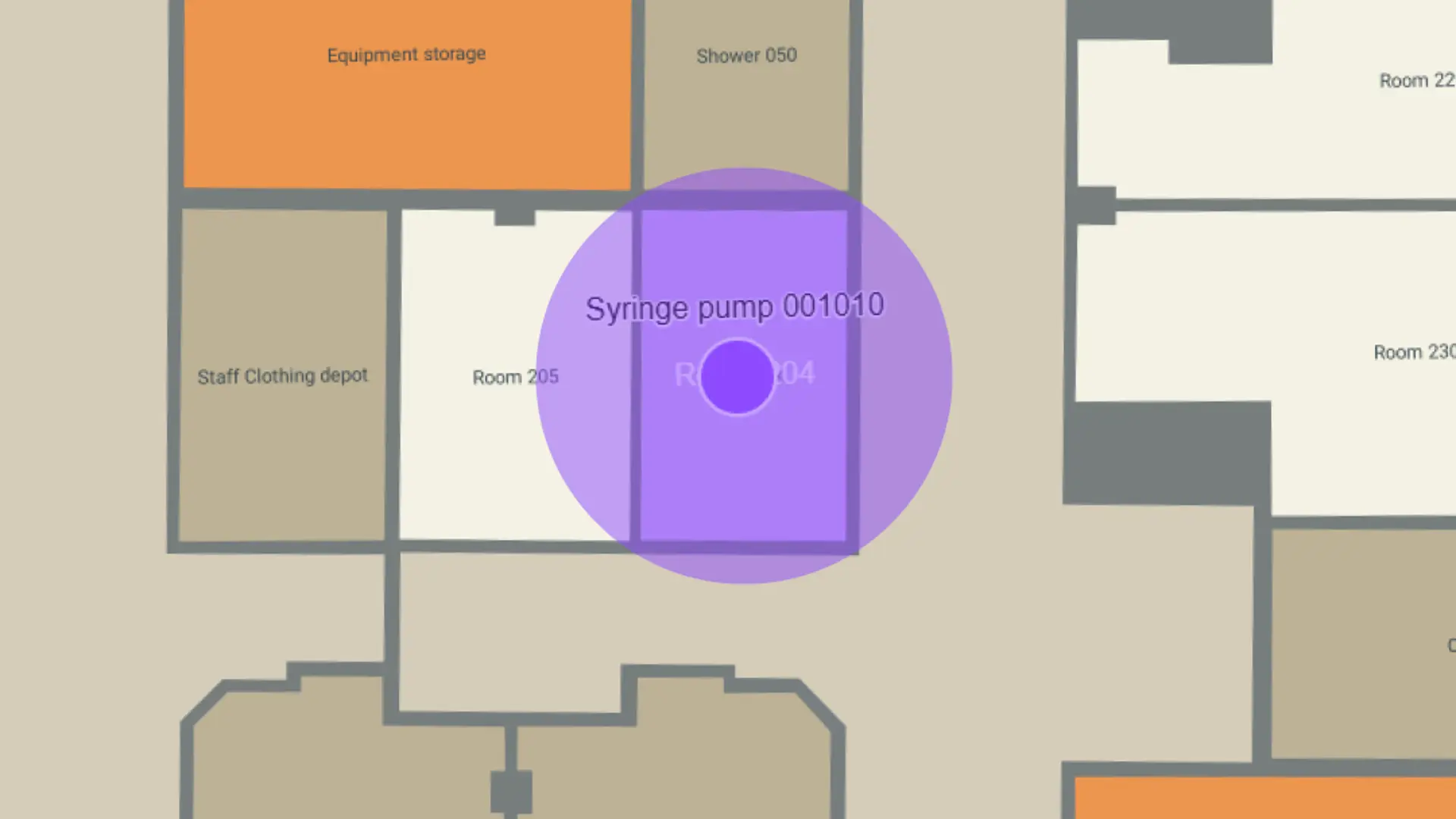
A new precision overlay shows the accuracy zone of each tracked device directly on the map. Staff can see at a glance how confident the location data is — reducing the frustration of arriving at a location only to find the equipment isn't exactly where expected. Better transparency about tracking accuracy builds trust in the system and improves actual localization time.
Why it matters
Hospitals using Columna Flow Search & Find have improved equipment availability from as low as 70% to over 98% — meaning clinical staff can see and find the equipment they need, when they need it. These latest improvements extend that visibility beyond logistics and facilities teams and into clinical workflows, so the people closest to patients benefit directly from the same real-time data.
These improvements bring Search & Find closer to the bedside. When every role gets the right view of the right equipment at the right moment, tracking technology stops being an admin tool and starts supporting care delivery.
Ready to transform your hospital workflows?
Whether you're looking to reduce patient delays, streamline equipment management, or improve staff coordination, our healthcare specialists can help you understand how Columna Flow fits your hospital’s needs.

Would you like to learn more about Columna Flow and see results from other hospitals?
Contact Jacob Gade, Sales Director at Systematic.
With 20 years of experience optimising workflows, Jacob is ready to discuss how Columna Flow can help you optimise hospital workflows across disciplines and departments at your hospital.
Email: jacob.gade@systematic.com
Latest news
We are happy to share what we do. You can find our latest news here or browse through all of our healthcare news by clicking the button below.
 Esbjerg Municipality brings social care and healthcare together in CuraUsing a single system gives staff a clearer overview, better coordination, and joined-up working across the organisation.Read more
 QUMEA joins Columna Flow partner ecosystemQUMEA brings radar-based fall and mobility monitoring – privacy-preserving, no cameras, no wearables – into Columna Flow. The newest technology partner in our open hospital ecosystem.Read more
 What Ukrainian combat medics taught us about Battlefield Health50 medics from the Ukrainian front line visited Systematic feedback on Battlefield Health - a solution we have built to follow wounded soldiers from point of injury to hospital.Read more
 Systematic recruits two nurses in the race for the Norwegian municipalitiesDrawing on experience from both clinical practice and the vendor side, Trine Sønstelien and Tonje Teigene Heyn will bring Systematic's proven electronic care records solution into the Norwegian care sector - adapted to Norwegian healthcare practice and local needs.Read more
 Systematic recruits experienced healthcare profile for municipal initiativeFollowing the withdrawal of one provider from the competition for municipal electronic care record systems Systematic remains on course and is stepping up its efforts in Norway. The company has now appointed Camilla Lobben to lead this initiative focused on municipal tenders.Read more
 AI-based speech recognition in elderly care gets the green light: Systematic project demonstrates significant potentialSpeech recognition and AI can reduce the documentation burden for frontline staff in elderly care. A groundbreaking project under the Danish Agency for Digitalisation's AI sandbox, has just documented this in its final report.Read more
 Systematic enters into Norwegian partnershipSystematic strengthens its focus on municipal EHR systems in Norway, pairing with experienced consultancy firm that knows the Norwegian healthcare system inside and out.Read more
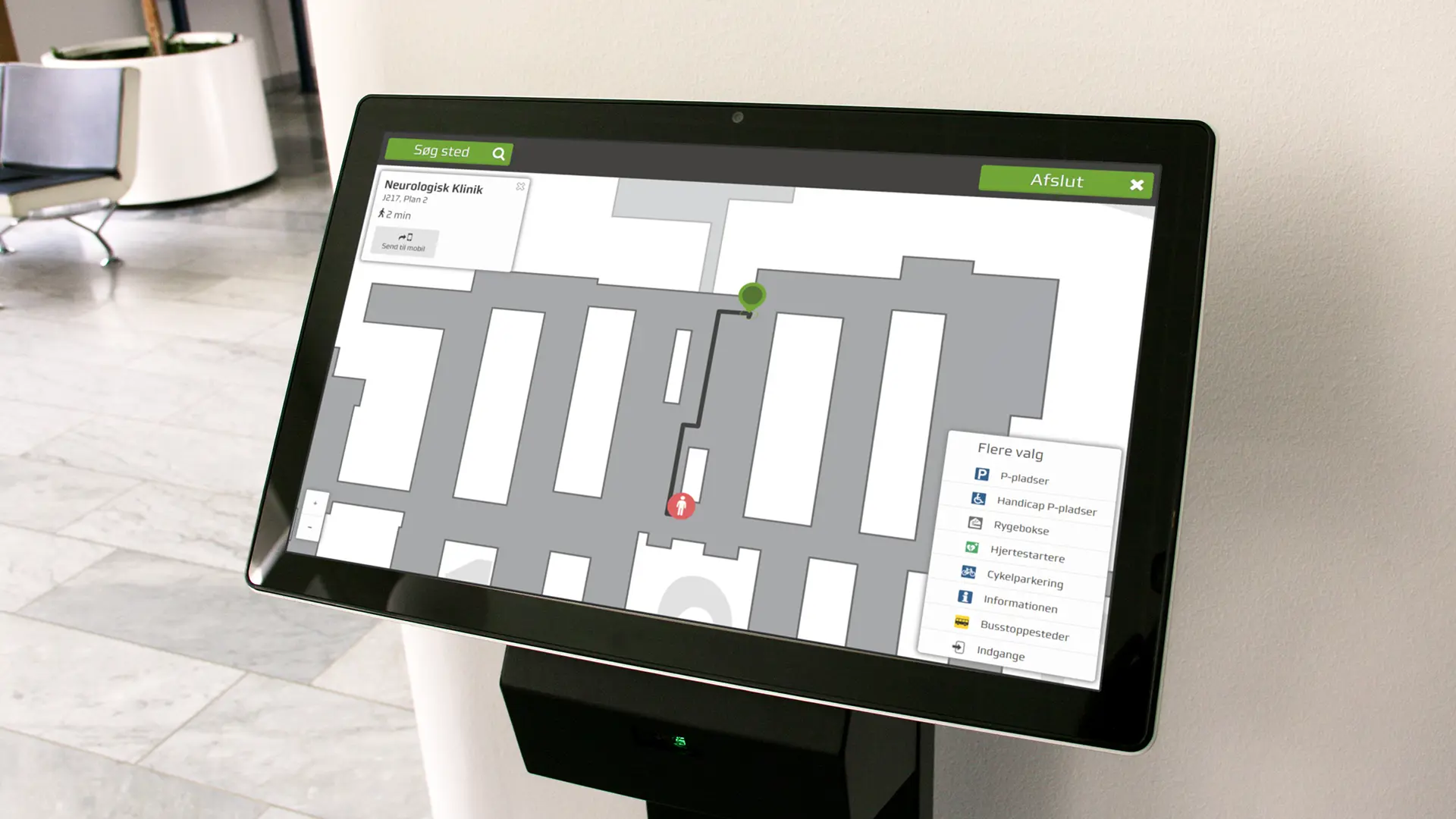 New Columna Flow release: Improved integration and easier equipment managementColumna Flow 2026.1 improves system integration and equipment management, helping hospitals connect patient systems and track assets efficiently.Read more